Spotify album to MP3.
Every track, full quality.
Paste a Spotify album link. Download the full album as MP3 320kbps with cover art and proper track order.
Need videos from Instagram, TikTok, or Facebook? Meet SnapDownloader.
Our companion site for saving videos, reels, and stories from Instagram, TikTok, Facebook, Twitter, Pinterest and more — browser-based, no install, no signup.
- HD downloads from Instagram, TikTok, Facebook & more
- Reels, stories, and full-length videos supported
- Free, fast, and 100% browser-based
 Visit SnapDownloader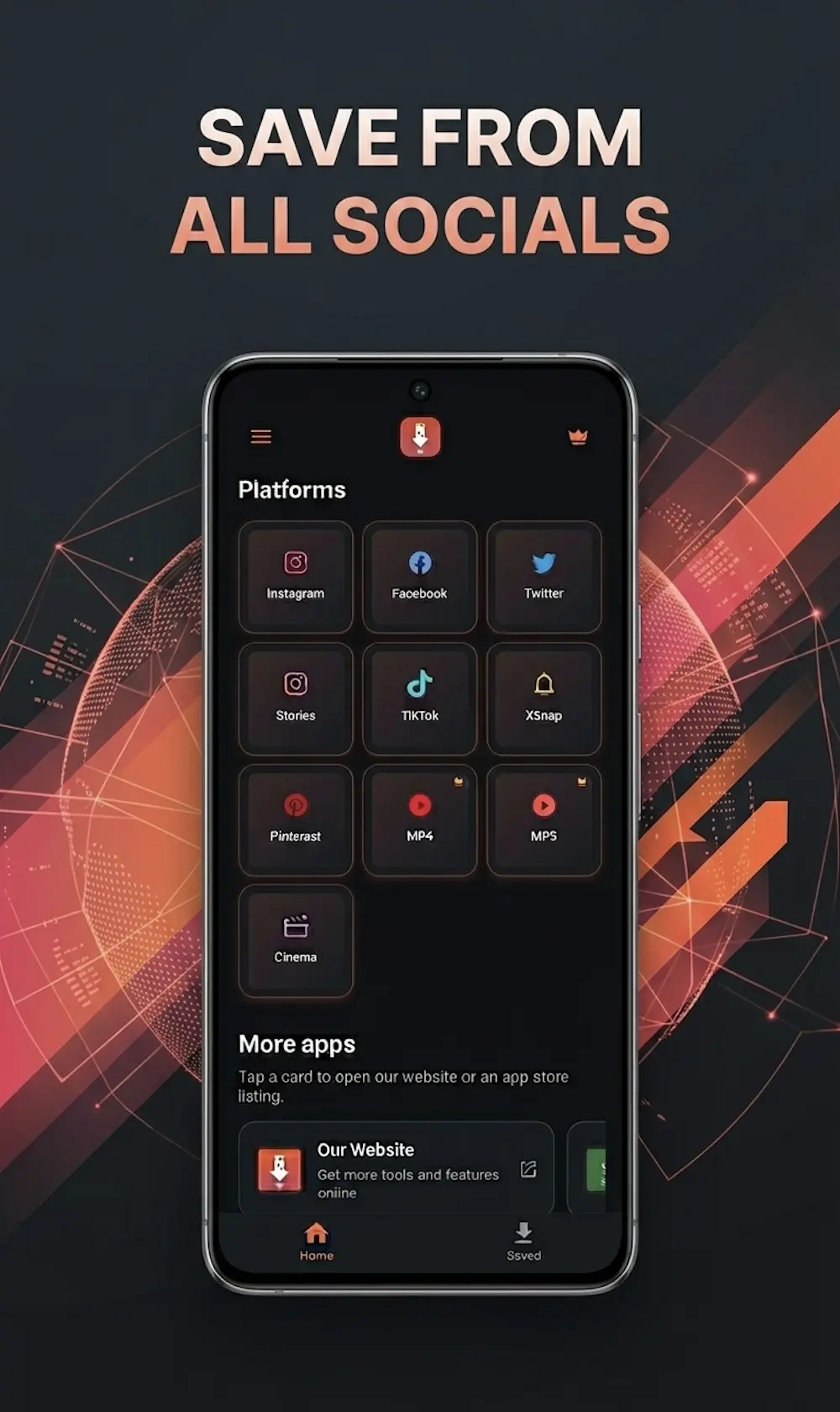
Everything you need to download Spotify music offline
SpotyLoader is engineered for music lovers who care about quality, speed, and privacy. The fastest free Spotify to MP3 converter — no bloat, no ads, no compromises.
Lightning-Fast Spotify Conversion
Most Spotify tracks finish converting to MP3 in under 8 seconds. Our optimized pipeline processes audio on dedicated edge servers — no waiting in line, no throttling.
High-Quality MP3 320 kbps Audio
Download Spotify music in MP3 320kbps, FLAC, or M4A with embedded artwork, ID3 tags, artist info, and album metadata baked in automatically.
Unlimited Free Downloads
No daily caps, no subscription, no signup. Download one Spotify song or your entire 800-track playlist — our free MP3 downloader keeps up.
100% Private by Default
We never store your downloads, search history, or Spotify links. Files are auto-purged from our servers within 30 minutes. No tracking, no profiles.
Works on Every Device
Browser-based Spotify downloader — runs on Windows, macOS, Linux, iOS, Android, Chromebook, and even smart TV browsers. No app install required.
Tracks, Albums, Playlists & Podcasts
Paste any Spotify track, album, playlist, artist, or podcast URL. SpotyLoader detects the format and routes each to the right MP3 conversion pipeline.
How to download Spotify music in 3 simple steps
From Spotify URL to MP3 file on your device in under a minute. No installs, no accounts, no detours — just a free, browser-based Spotify downloader.
1. Copy the Spotify Link
Open Spotify, tap the Share icon on any track, album, playlist, or podcast, and copy the link to your clipboard.
2. Paste the Link into SpotyLoader
Paste your Spotify URL into the converter above. SpotyLoader automatically detects whether it's a track, album, playlist, podcast, or artist.
3. Download Your MP3 Instantly
Hit Download and your MP3 320kbps file is ready in seconds. Save it locally or push it straight to your music library.
Download an entire Spotify playlist in one click
Paste any Spotify playlist or album URL and SpotyLoader queues every track for you. The whole batch downloads as MP3 320 kbps — or grab tracks individually if you prefer.
- Bulk-download every track in a Spotify playlist or album
- Pick tracks individually or grab them all at once as a ZIP
- Works straight from the browser — no installs, no signups
Built for every kind of listener
Whatever your reason for taking Spotify music offline, SpotyLoader fits the workflow.
Road trips & travel
Save your favorite Spotify playlists before flights, train rides, or off-grid weekends. No buffering, no roaming charges, no signal dropouts.
Gym & workouts
Build a workout playlist that doesn't cut out mid-set when the gym wifi drops or your mobile data runs low. Pure offline MP3 playback.
DJ sets & mixing
Pull MP3 320kbps source files from Spotify into Rekordbox, Serato, Traktor, or your local DAW. The fastest way to build a crate from discoveries.
Library backup
Archive favorite tracks before they vanish from streaming catalogs. Some music gets pulled, some artists migrate — own your library forever.
SpotyLoader vs the alternatives
How a free, browser-based Spotify downloader stacks up against premium streaming and ad-supported converters.
| Feature | SpotyLoaderBest | Spotify Premium | YouTube-to-MP3 |
|---|---|---|---|
| Price | Free | $10–17 / month | Free (with ads) |
| Own the files | Yes — MP3 on your device | No — streaming only | Yes — variable quality |
| Audio quality | MP3 320 / FLAC / M4A | 320 kbps in-app only | Often 128–192 kbps |
| ID3 tags & album art | Yes — automatic | N/A (no files) | Rarely included |
| Bulk playlist download | Yes — batch MP3 / ZIP | Offline cache only | One track at a time |
| Install required | No — browser only | App required | Some require install |
Pick the right format for the right device
SpotyLoader supports the four formats that cover 99% of real-world music libraries — from phone playback to studio archives.
MP3 320 kbps
Universally supported daily-driver. Works on every phone, car stereo, smart speaker, and DAP. Best balance of file size and audio quality for everyday listening.
FLAC (lossless)
Bit-perfect compression. Use this for audiophile setups, mastering work, or when you want zero quality loss from the Spotify source. Larger files, perfect fidelity.
M4A / AAC
Apple's preferred format. Better quality-per-byte than MP3 — recommended for iPhone, iPad, Mac, and AirPods workflows. Native iTunes and Apple Music support.
WAV (uncompressed)
Pure uncompressed audio. Use for DJ software, audio editing, broadcast, or archival workflows where compression artifacts aren't acceptable.
Notes from the SpotyLoader team
Tutorials, workflow tips, and music notes — short reads, no filler.
How to Convert Spotify Tracks to MP3 (the Right Way in 2026)
MP3 320, M4A, or FLAC: Which Format Should You Actually Download?
Backing Up an 800-Track Spotify Playlist Without Losing Your Mind
Frequently asked questions about Spotify to MP3 download
Everything you might want to know about SpotyLoader before you paste your first Spotify link.
Your music library, untethered.
Save the Spotify tracks you love. Listen anywhere, offline. Keep them forever.